
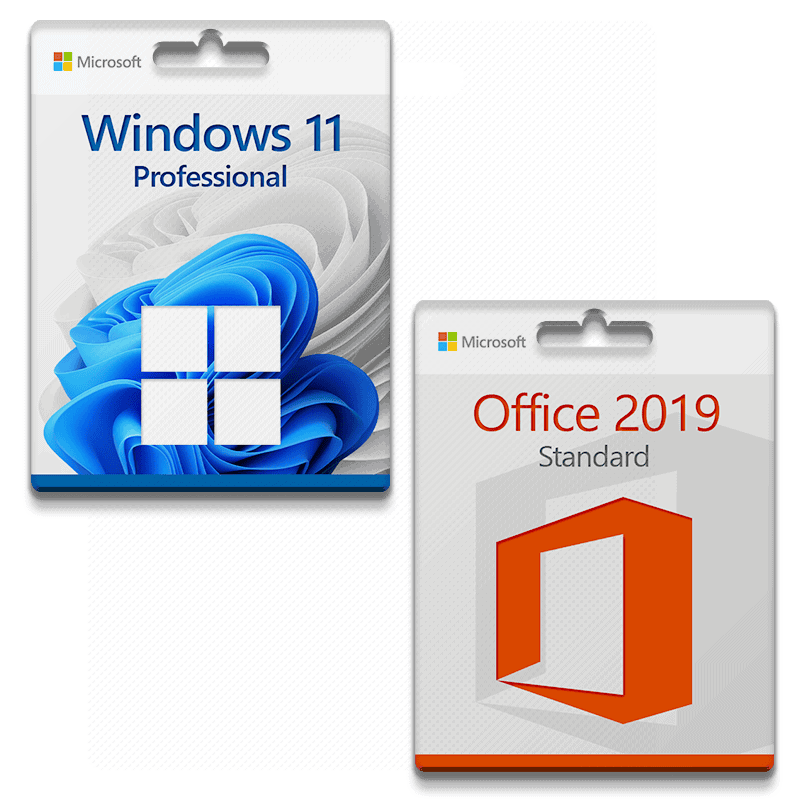







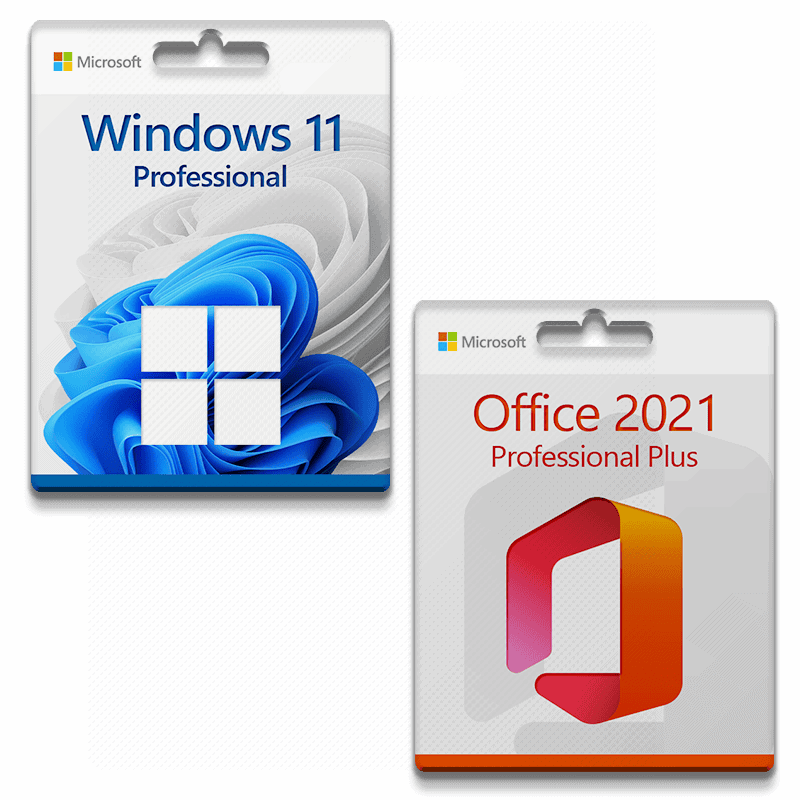
Microsoft Windows 11 Professional + Microsoft Office 2019 Standard license for 3 PC
With this license, the software can be activated on 3 different devices, e.g., home PC, notebook, and work PC.
- Processor: 1 gigahertz (GHz) or faster with 2 or more cores on a compatible 64-bit processor or SoC (System on a Chip).
- RAM: 4 gigabytes (GB)
- Storage space: 64 GB or more Note: See “More information on storage space to keep Microsoft Windows 11 up to date” below for more details.
- System firmware: UEFI, Secure Boot capable
- TPM: Trusted Platform Module (TPM) version 2.0
- Graphics card: Compatible with DirectX 12 or higher with WDDM 2.0 driver
- Advertisement: High-resolution display (720p) with a diagonal of more than 9″, 8 bits per color channel
- Internet connection and Microsoft accounts: All editions of Microsoft Windows 11 require Internet access to perform updates and to download and use some features. Some features require a Microsoft account.
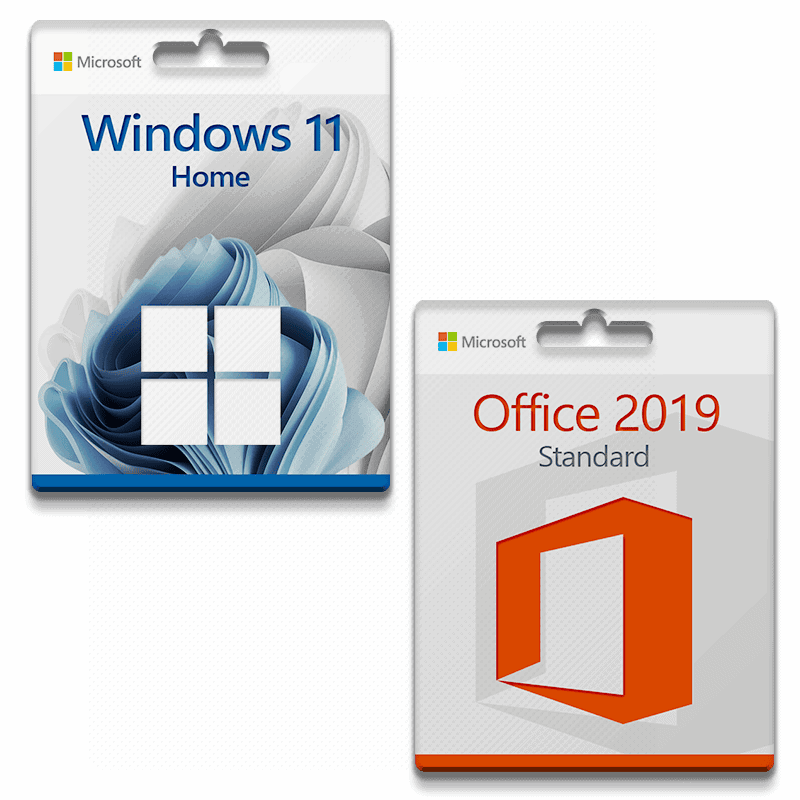
Microsoft Office 2019 Standard
With this license, the software can be activated on 3 different devices, e.g., home PC, notebook, and work PC.
With Microsoft Office 2019 Standard, you get a modern office solution from Microsoft. The classic version of the world's best Microsoft Office applications covers all your daily needs. Web versions of Word, OneNote, Excel, and PowerPoint allow easy access from anywhere.
Everything you need at a glance:
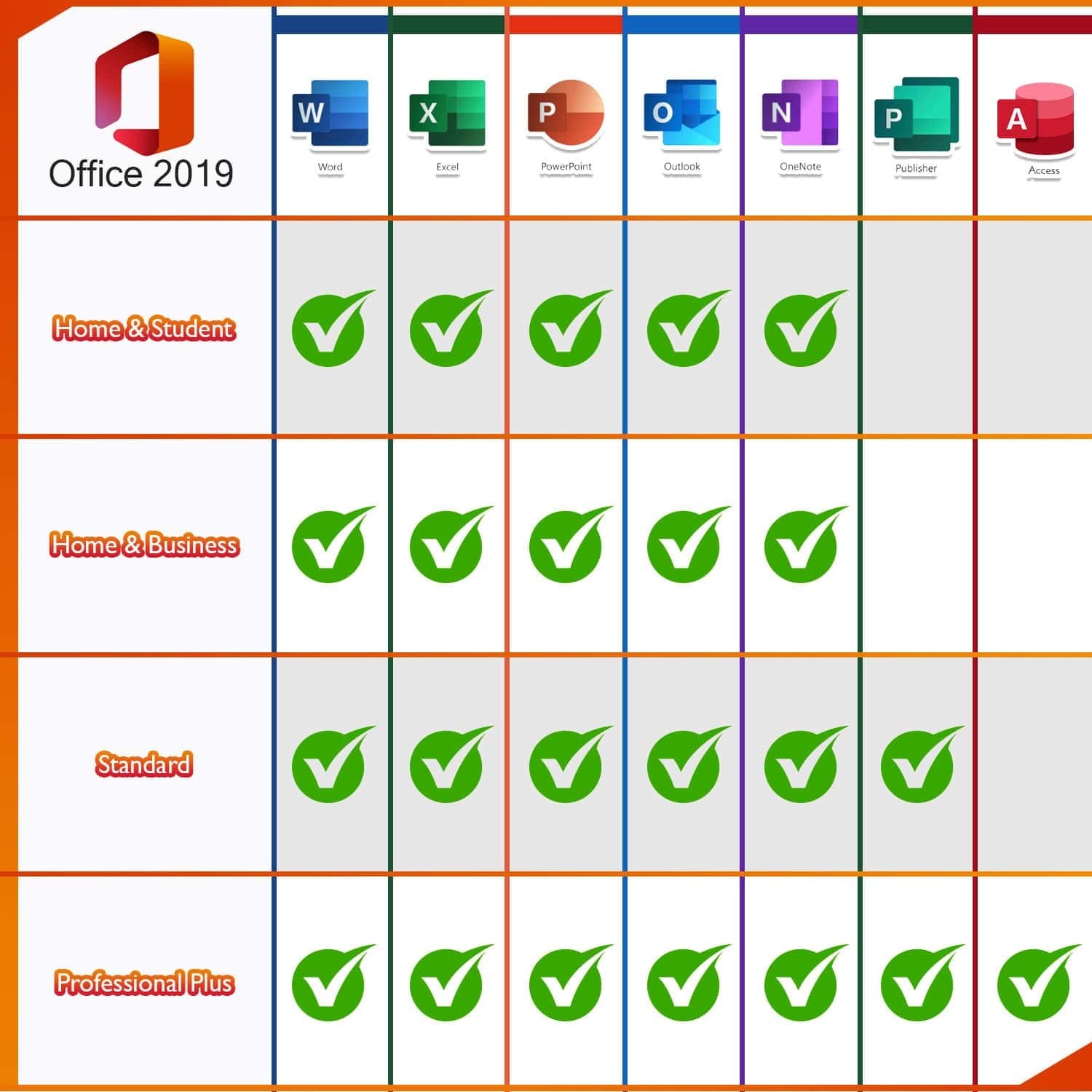
- Word 2019 – for creating and editing your texts and documents
- Excel 2019 – for processing data records in tabular form
- PowerPoint 2019 – for creating captivating presentations
- Outlook for 2019 – for managing emails, contacts, appointments, and tasks
- Publisher 2019 – for easily creating professional-looking publications
OneNote is no longer part of the Microsoft Office package, but is available as a standard application in Microsoft Windows 10, which is a prerequisite for using Microsoft Office 2019. Older versions of Microsoft Windows are not supported.
Use your time more effectively with an intelligent email program
Your inbox can quickly become overloaded with unimportant emails and spam. This means that you or your employees cannot work efficiently and time is lost. Microsoft Outlook 2019 has been further developed and the „Clutter“ function has been added so that the program itself recognizes irrelevant emails and sorts them out immediately. This makes your inbox clearer and allows you to focus on the really important tasks.
Support:
If you have any questions, please do not hesitate to by e-mail to contact us. Our customer support is available 7 days a week, 24 hours a day.


Reviews
There are no reviews yet.