






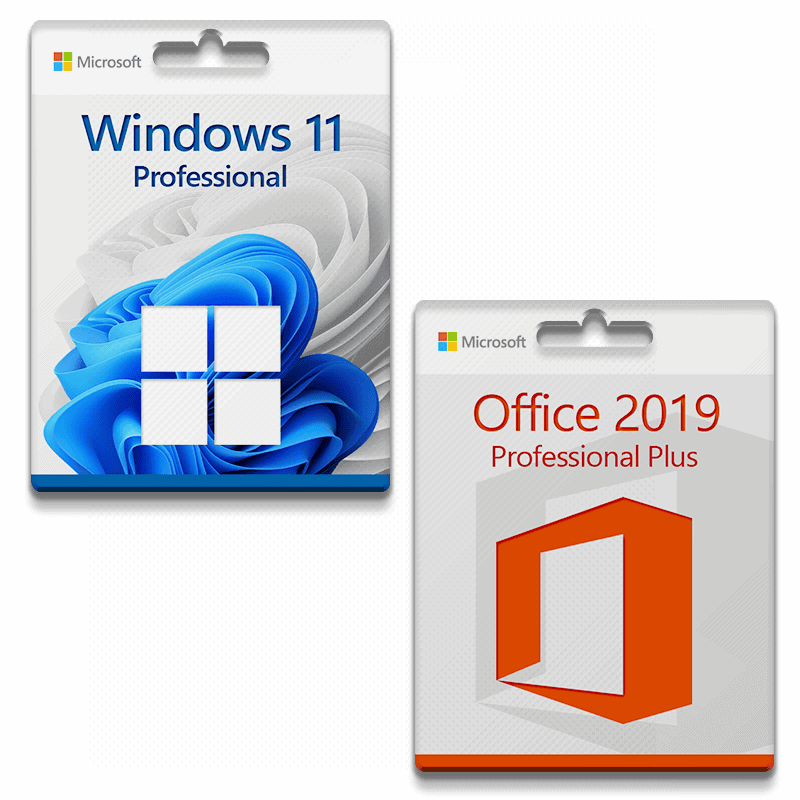
Ensure you are prepared for the latest and greatest operating system from Microsoft!
These are the basic requirements for installing Microsoft Windows 11 on a PC. If your device does not meet these requirements, you may not be able to install Microsoft Windows 11 on your device and should consider purchasing a new PC. If you are unsure whether your PC meets these requirements, you can check with your PC's original manufacturer (OEM) or, if your device is already running Microsoft Windows 10, use the PC Health Check app to check compatibility (download).
| Processor: |
1 gigahertz (GHz) or faster with 2 or more cores on a compatible 64-bit processor or SoC (system on a chip). |
| RAM: | 4 gigabytes (GB) |
| Storage space: | 64 GB or more
Note: See below under “Additional information about storage space to keep Microsoft Windows 11 up to date” for further details. |
| System firmware: | UEFI, Secure Boot capable |
| TPM: | Trusted Platform Module (TPM) version 2.0 |
| Graphics card: | Compatible with DirectX 12 or higher with WDDM 2.0 driver |
| Advertisement: | High-resolution display (720p) with a diagonal of more than 9 inches, 8 bits per color channel |
| Internet connection and Microsoft accounts: | All editions of Microsoft Windows 11 require Internet access to perform updates and to download and use some features. Some features require a Microsoft account. |
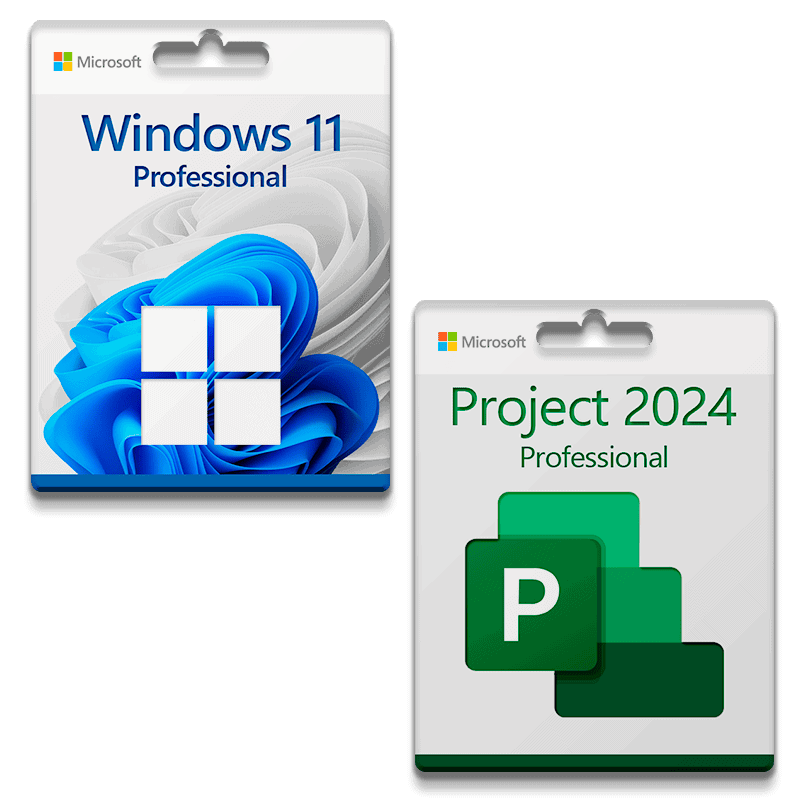
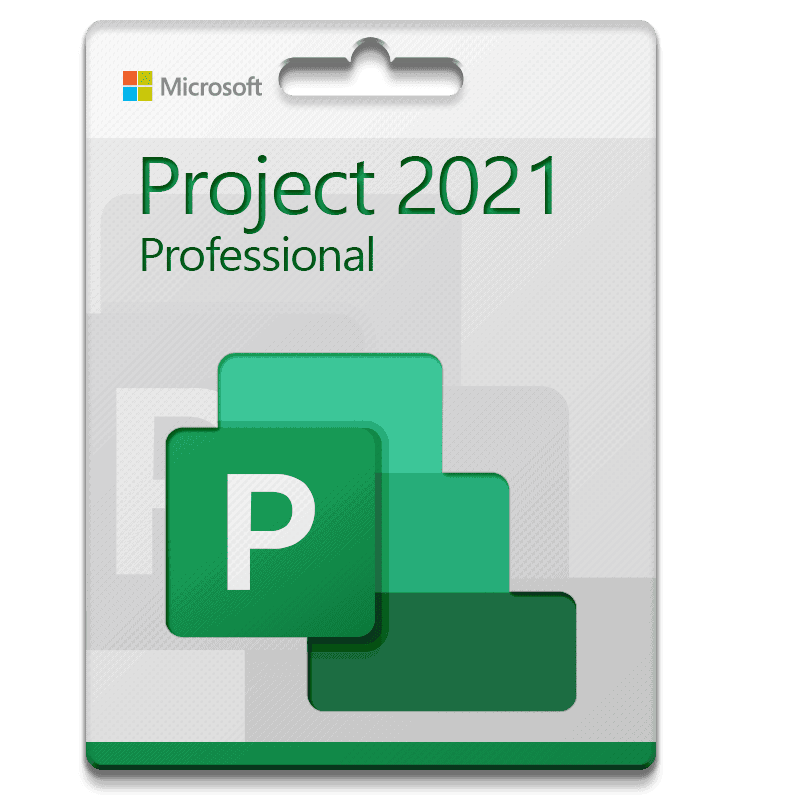
Microsoft Project 2024 Professional Plus license for 3 PCs
With this license, the software can be activated on 3 different devices, e.g., home PC, notebook, and work PC.
30-day full refund – Lifetime replacement guarantee!!!
Microsoft Project 2024 offers new features and improvements that help teams organize their work more effectively, manage tasks, and administer budgets and resources. This new version offers important innovations that benefit both beginners and professionals working on projects of any complexity:
- New, more intuitive and customizable user interface and improved user navigation with flexible data display
- Pre-built templates help you get your project started in no time
- Synchronization with Project Online and Project Server for integration and resource management
- What-if scenarios help optimize task assignment through scenario simulations.
- Improve your planning by automatically filling in start and end dates based on dependencies.
- Use multiple timelines for a clear visual representation of complex schedules
- New features for data display and analysis, easy switching between different types of information presentation, including Kanban and Scrum board
- Support for Agile, Scrum, Waterfall, and hybrid approaches, allowing users to combine elements from different methodologies.
Support:
If you have any questions, please do not hesitate to contact us by email. Our customer support is available 24 hours a day, 7 days a week.


Reviews
There are no reviews yet.